MOV files are often high quality, but compatibility can be inconsistent on upload platforms and non-Apple devices.
Steps
Import one or more MOV files.
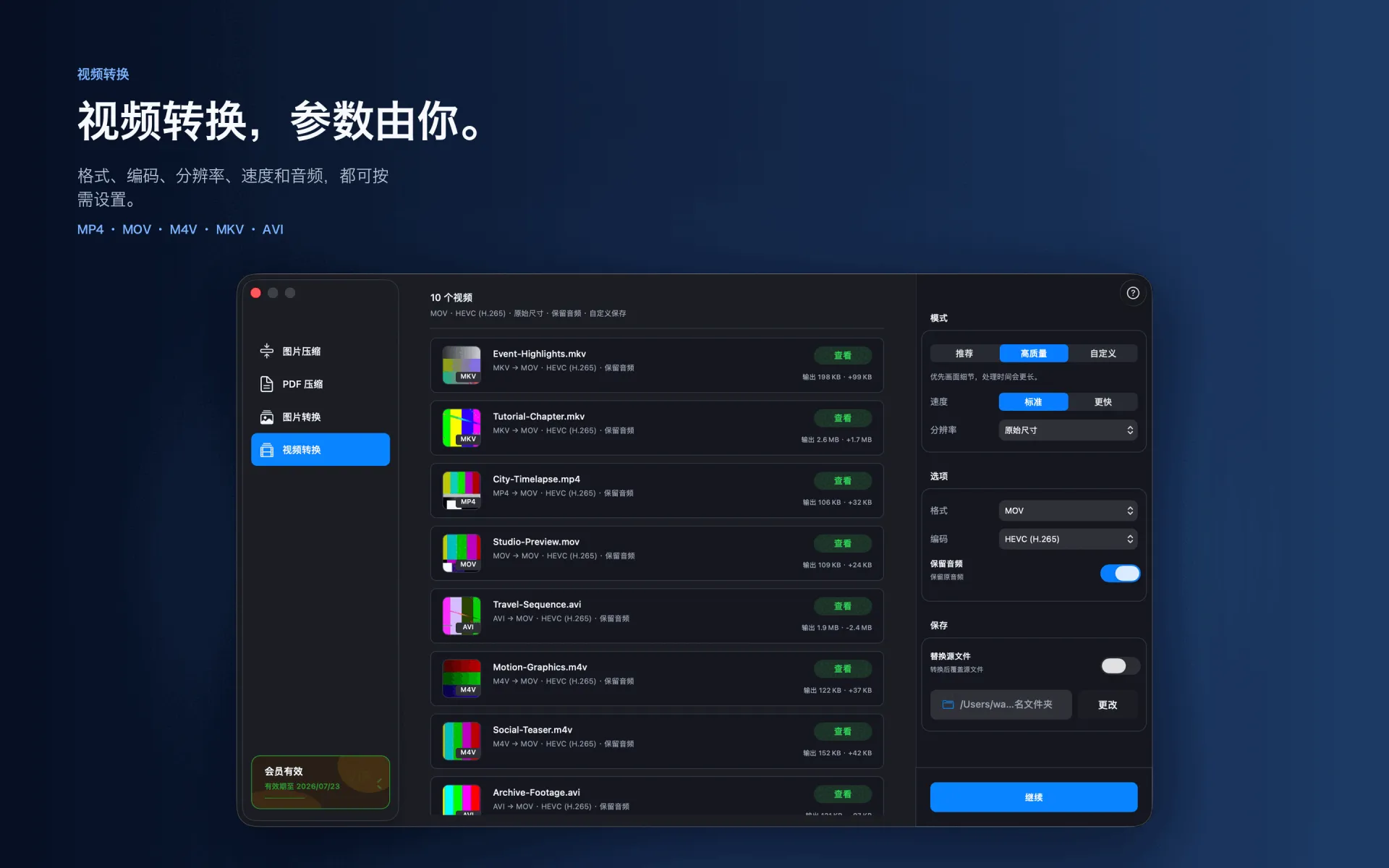
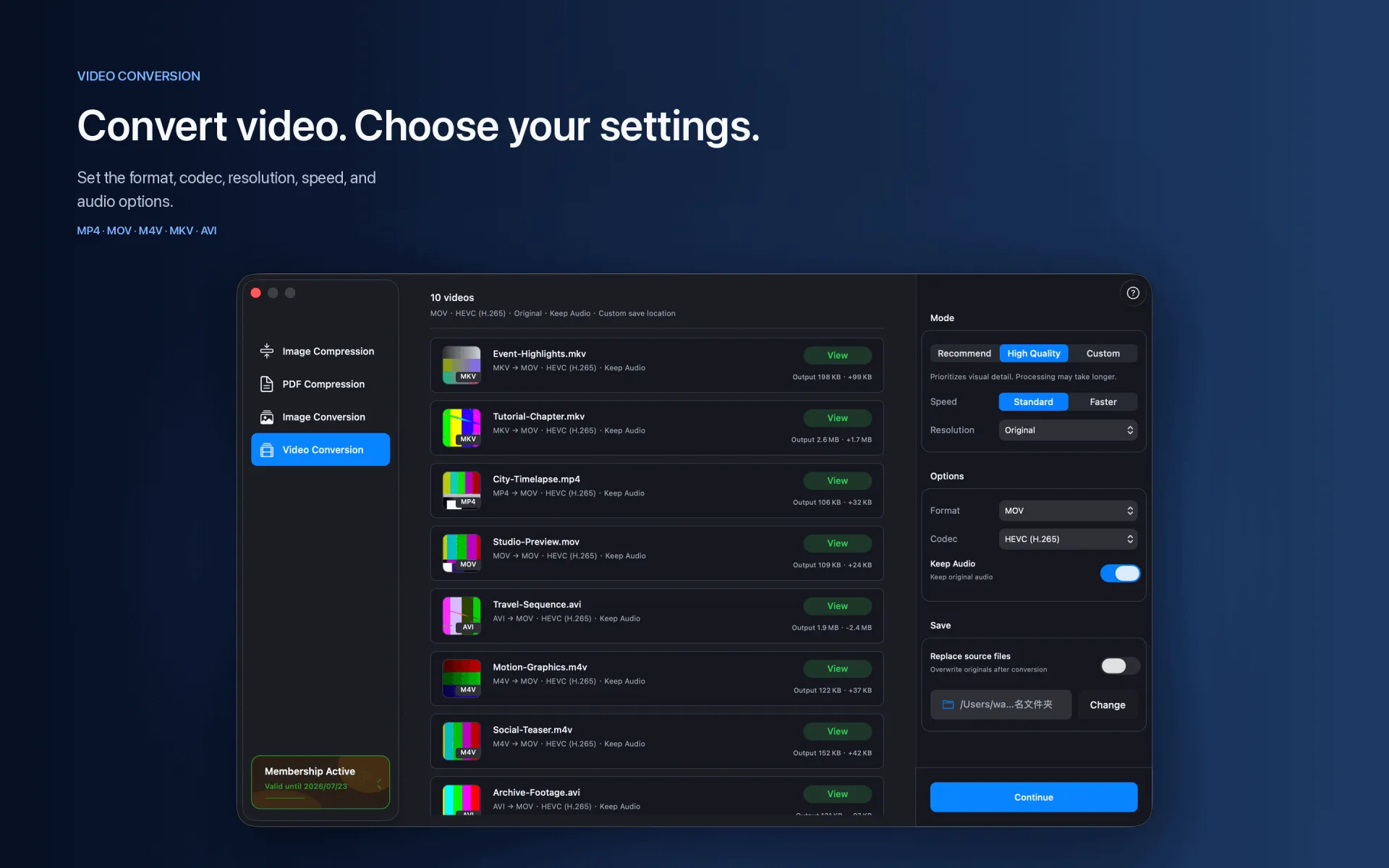
Choose MP4, a codec, and an output resolution.
Choose whether to preserve audio, select a destination, and start converting.
Supported range
MOV → MP4 · H.264 · HEVC
Compression and conversion happen locally on Mac. App Store download, purchase validation, restore purchases, update checks, or feedback you submit may require network access.
Before you start
Keep a backup of important files before choosing to replace originals.
Test a small batch first to verify format, quality, audio, and destination.
Open or play the result on the target device or platform before delivery.